

If you are running digital campaigns today, you are likely bleeding attribution data without even realizing it. You might see a sudden spike in "Direct" traffic or notice that your Paid Ads seem to be driving fewer conversions.
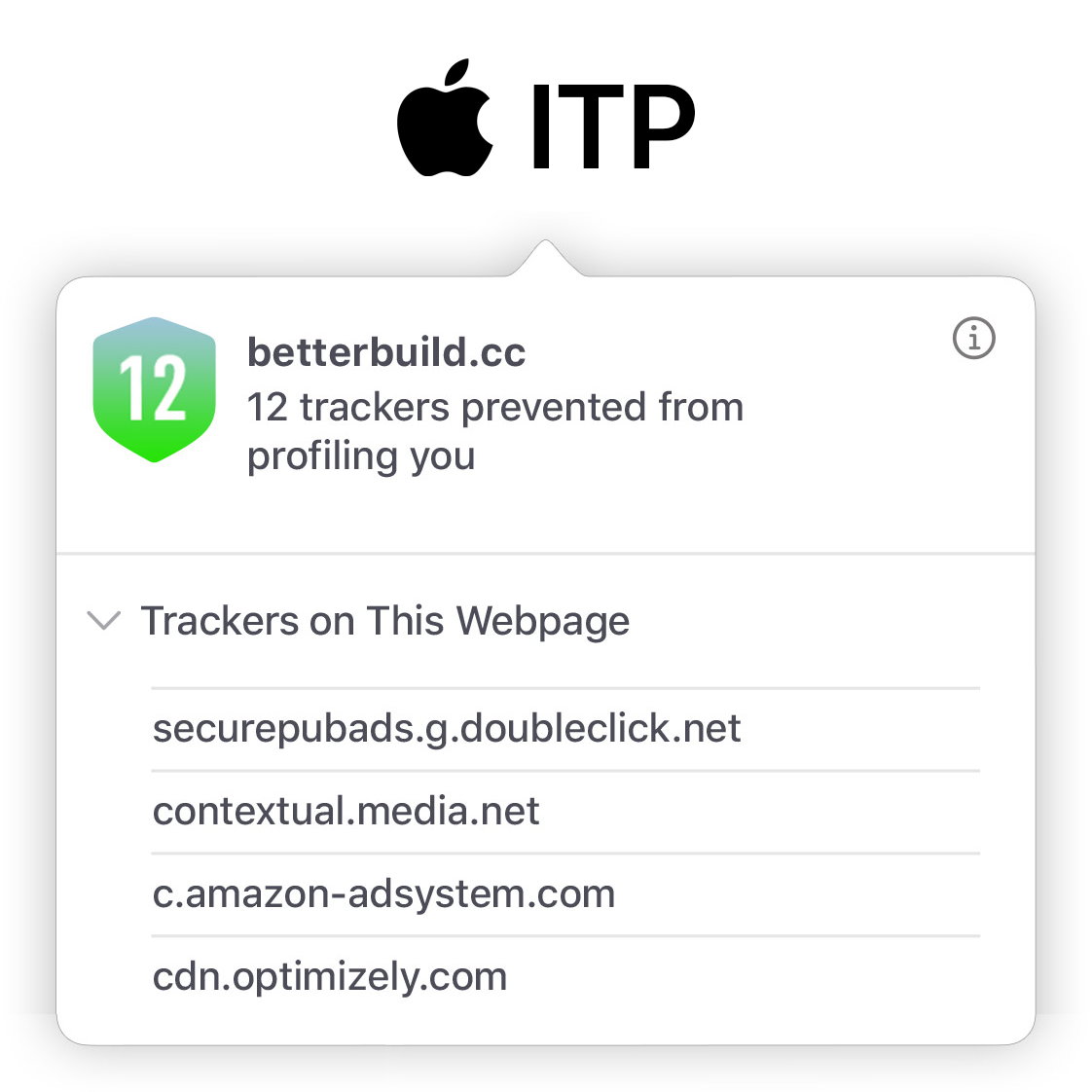
The culprit? Apple's Intelligent Tracking Prevention (Apple ITP).
With Safari continuously tightening its grip on how data is stored, traditional tracking methods are failing. In fact, our internal tests at EGO Digital revealed that standard cookie-based tracking falsely fragmented the journeys of 52% of users.
If you want to know how to bypass the Apple ITP 7-day cookie limit and restore your marketing data, you need to look beyond basic pixels. Let's dive into exactly what is happening under the hood and how true server-side marketing data storage can fix it.
?gclid= or ?fbclid=), Safari limits that cookie's lifespan to just 24 hours.Imagine a customer clicks your Google Ad on a Monday (Day 1). They browse your site but don't buy. They return organically 10 days later (Day 11) and make a purchase.
Because of Apple ITP, the cookie that remembered their initial Day 1 visit was erased on Day 8. When they return on Day 11, standard tracking tools treat them as a brand new user.
This creates a massive user data split:
Your Google Ad gets zero credit for initiating the sale.
The conversion is falsely attributed to "Direct" or "Organic Search."
Your Return on Ad Spend (ROAS) looks terrible, prompting you to pause a campaign that was actually working.
You lose critical marketing identifiers (like GA Client ID, Meta _fbc), crippling the algorithms you pay to optimize your ads.
When the 7-day cookie limit first hit, marketers scrambled for a Safari 16.4 cookie expiration workaround. The popular advice was to set up a basic Server-Side Google Tag Manager (sGTM) container on a subdomain. The theory was that by setting cookies via HTTP headers from a server rather than JavaScript in the browser, you could extend cookie lifetime in Safari.
This no longer works reliably.
With recent updates, Safari now detects if the IP address of your tracking server differs from the IP address of your main website (specifically the first two octets, so called the primary domain). If they don't match - which is almost always the case with basic sGTM setups - Safari recognizes it as a tracking workaround and still caps the cookie at 7 days.
Building complex reverse proxies to align IP addresses is an IT nightmare. You need a structural fix, not a temporary patch.
There is a way to ease the effect, but it needs setting up the complex reverse proxy server in front of your website and tracking servers but even this is not a possibility for the most of the e-commerce businesses.
To truly solve cookieless tracking and Apple ITP, you have to stop relying on the browser's memory. The browser is vulnerable, volatile, and highly restricted.
At EGO Digital, we built Cookieless Tracking and Server-Side Marketing Data Storage to move the tracking memory to the server. Here is how our next-generation cookieless tracking secures your data:
When a user visits your site, EGO Tracking doesn't just look for a cookie. It uses advanced algorithms on the server to identify the user and maintain data consistency, even if an ad blocker is active or ITP has wiped the browser storage.
We extract every piece of marketing-critical information (Meta Click IDs, GA Client IDs, etc.) and store it securely in our internal server databases. Your data lives safely on the server, immune to Safari's 7-day purges.
If a raw event comes from your website missing a Meta Click ID because a cookie expired, EGO identifies the missing data, looks it up in the server vault, and appends it to the event before sending it to the Meta Conversions API or GA4.
To keep your traditional browser pixels functioning at their best, EGO takes the combined marketing information from the server and pushes it back to the browser. This artificially extends the cookie lifetime and ensures the front-end tracking scripts also have the data they need.

Leave your email and get 2 MONTH FREE TRIAL & special offer tailored to your specific requirements